
CAD Interface
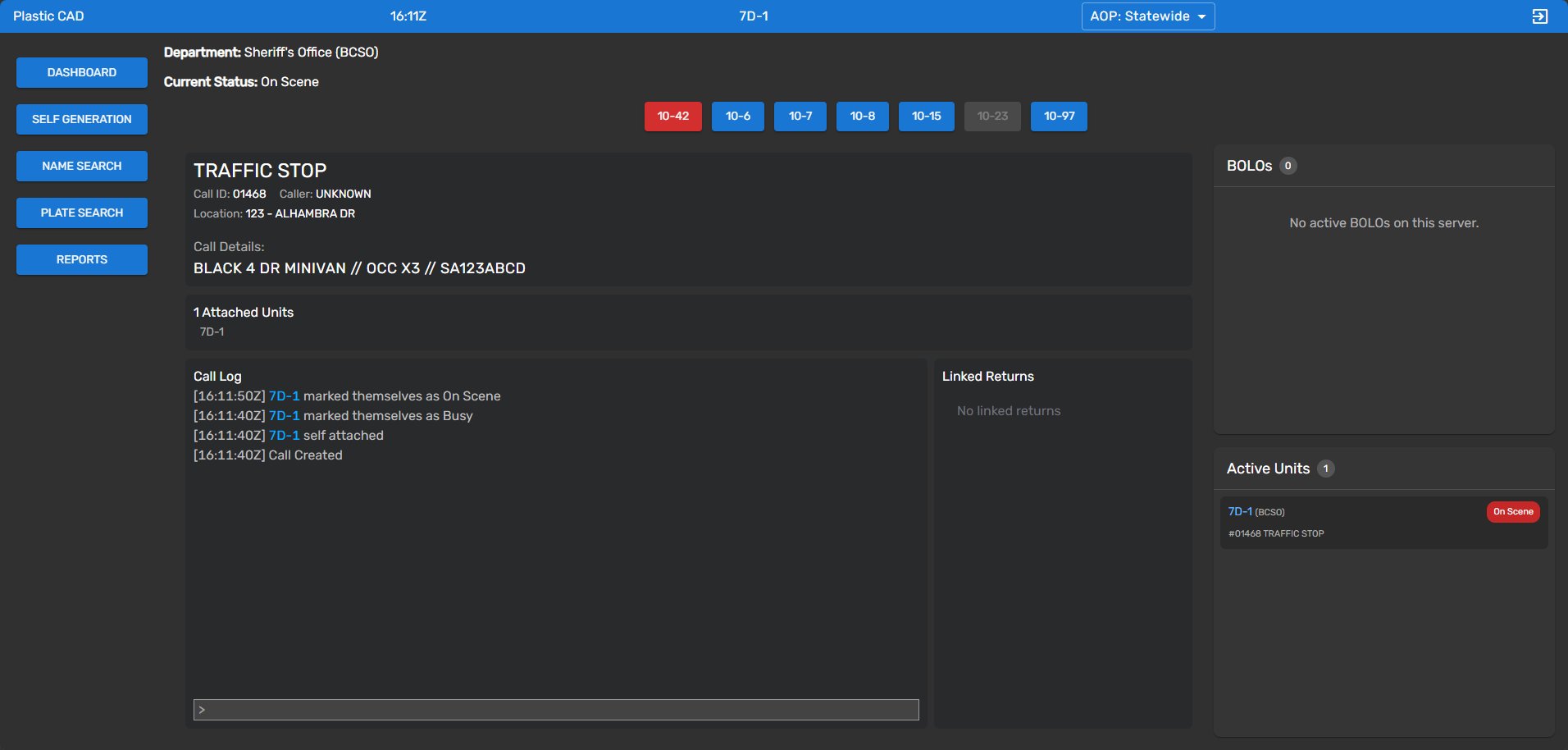
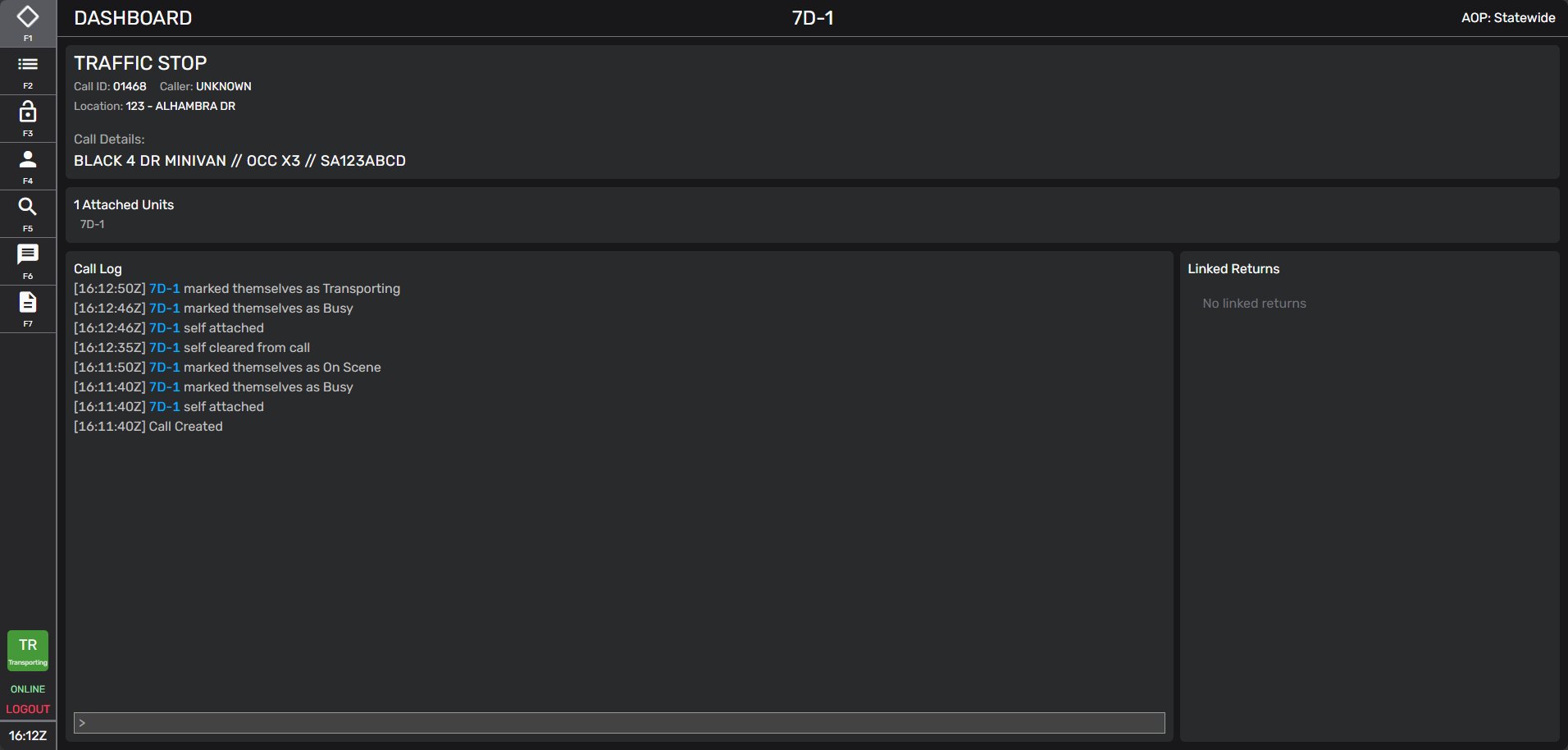
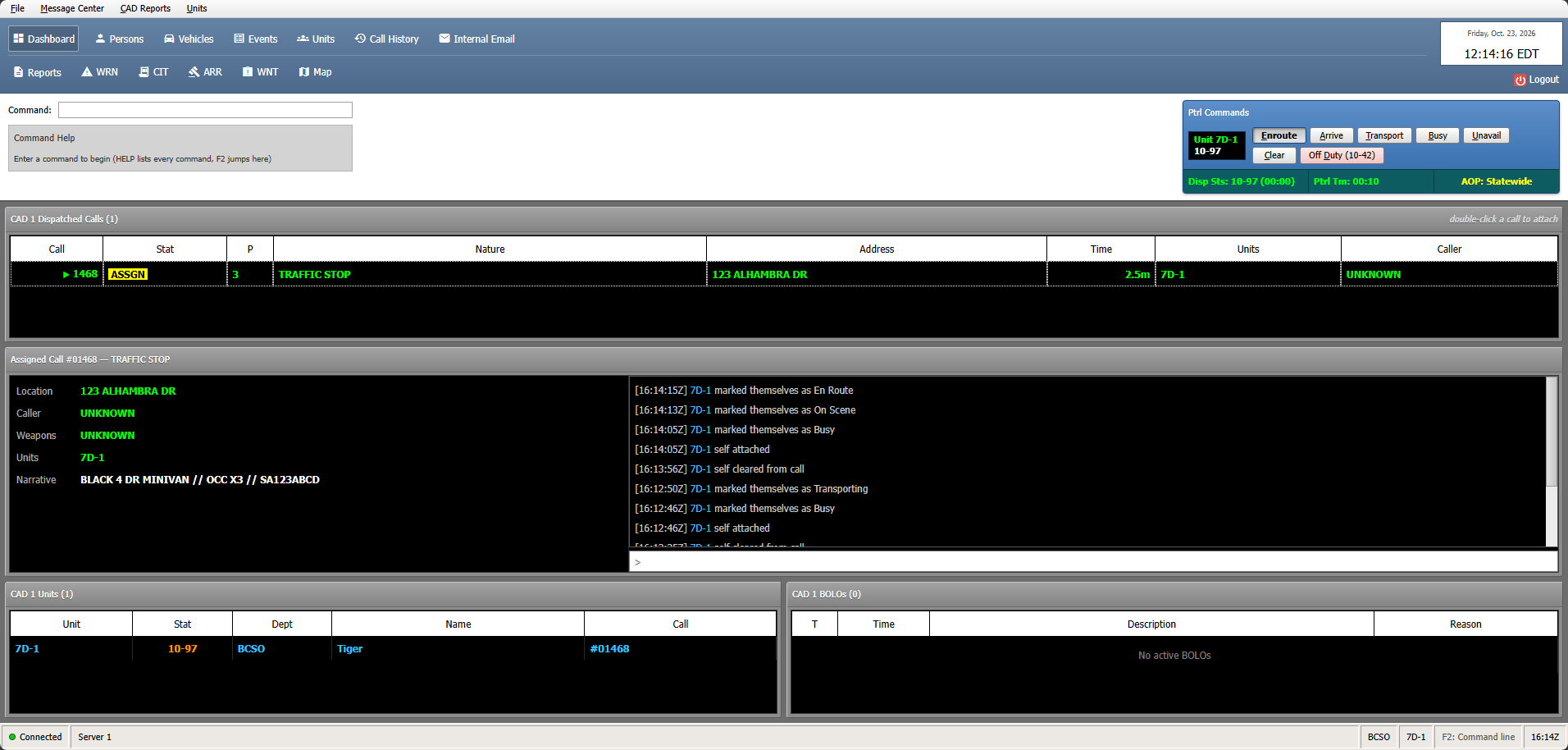
Open Branding > CAD Interface and select the look of the CAD/MDT for everyone within your community. The current list of available interfaces are- Plastic
- Mark43
- Mono
- Plastic CAD
- Mark43 CAD
- Mono CAD
Theme
Open Branding > Theme to set the colors used across the portal system.| Color | Used for |
|---|---|
| Primary | Buttons, links, and highlights |
| Accent | Secondary highlights |
| Warn | Errors and destructive actions |
| Success | Confirmations |